
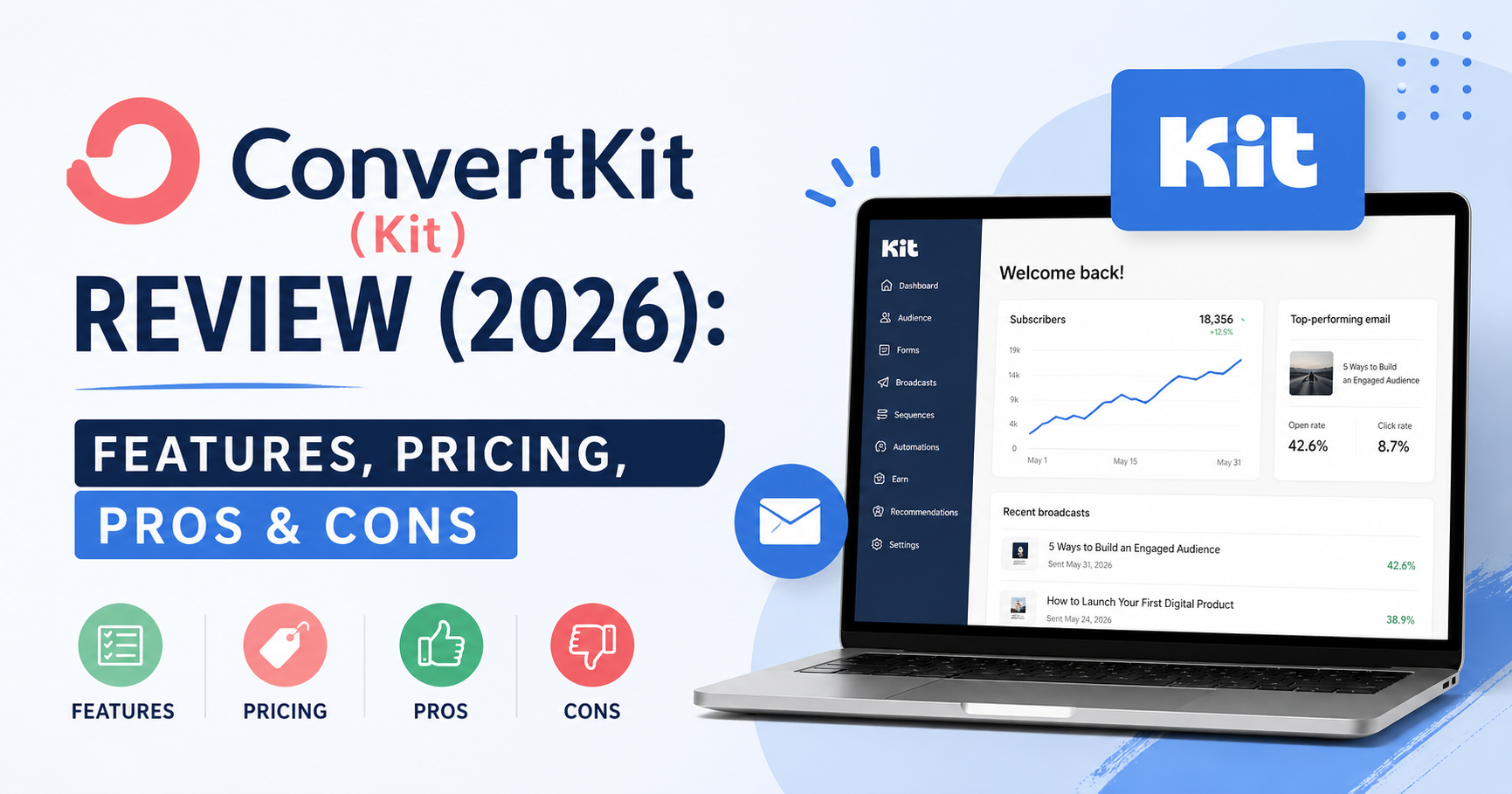
If you’re a creator, blogger, or online business owner, you’ve probably heard about ConvertKit (now rebranded as Kit).
But here’s the real question:
Is ConvertKit actually worth the price in 2026—or are you better off with a simpler, cheaper tool?
In this review, you’ll get a clear breakdown of:
- Core features
- Pricing (free vs paid)
- Pros and limitations
- Who should use ConvertKit (and who shouldn’t)
By the end, you’ll know if it’s the right platform for your email marketing.
Table of Contents
Quick Verdict
ConvertKit is a powerful email marketing platform designed specifically for creators who want advanced automation and audience control.
Best for:
- Bloggers and content creators
- Course creators and solopreneurs
- Users who need advanced automation
Not ideal for:
- Beginners on a tight budget
- Users who want a simple, low-cost tool
ConvertKit Overview
| Feature | ConvertKit |
|---|---|
| Free Plan | Yes (limited features) |
| Pricing | Higher than beginner tools |
| Ease of Use | Easy to moderate |
| Automation | Advanced |
| Landing Pages | Included |
| Best For | Creators and advanced users |
What is ConvertKit?
ConvertKit is an email marketing platform built for creators who want to:
- Build and manage email lists
- Create advanced automation workflows
- Sell digital products and courses
- Segment and tag subscribers
Unlike simpler tools, ConvertKit focuses on automation and audience segmentation, making it ideal for scaling.
Key Features
Email Campaigns
ConvertKit allows you to send:
- Broadcast emails
- Automated sequences
- Personalized messages
The editor is clean and minimal, focusing more on content than heavy design.
Automation and Workflows
This is where ConvertKit stands out.
You can build advanced workflows based on:
- User behavior
- Tags and segments
- Purchase activity
This gives you much more control compared to beginner tools.
Subscriber Tagging and Segmentation
Instead of basic lists, ConvertKit uses tags to organize your audience.
You can:
- Segment users precisely
- Send targeted campaigns
- Build personalized funnels
This is a major advantage for creators growing their audience.
Landing Pages and Forms
ConvertKit includes tools to:
- Create landing pages
- Build opt-in forms
- Capture leads
These are simple to use and integrated directly into the platform.
Pricing
ConvertKit is more expensive than beginner-friendly tools, but you’re paying for advanced functionality.
Free Plan
- Limited features
- Suitable for testing the platform
Paid Plans
- Pricing increases with subscribers
- Unlocks full automation and features
If you’re serious about growing a business, the paid plans are where ConvertKit becomes powerful.
Pros and Cons
Pros
- Advanced automation capabilities
- Powerful tagging and segmentation
- Built for creators
- Clean and focused interface
Cons
- More expensive than alternatives
- Not beginner-friendly for absolute newbies
- Limited design customization
Who Should Use ConvertKit?
Good fit for:
- Bloggers and creators
- Course sellers
- Email marketers who need automation
- Growing online businesses
Not recommended for:
- Beginners with a tight budget
- Users who want a simple tool
- Small projects with basic needs
ConvertKit vs MailerLite
If you’re comparing ConvertKit and MailerLite, the difference is clear:
ConvertKit is better for:
- Advanced automation
- Audience segmentation
- Scaling a creator business
MailerLite is better for:
- Beginners
- Budget users
- Simplicity
For a full comparison, read:
MailerLite vs ConvertKit
Final Verdict
ConvertKit is one of the best email marketing tools for creators in 2026.
It offers:
- Advanced automation
- Strong audience control
- Scalable features
However, it comes at a higher price and may be unnecessary if you’re just starting out.
If your goal is to build and grow a serious online business, ConvertKit is a strong choice.
Get Started
Start with ConvertKit’s free plan and explore its features before upgrading.