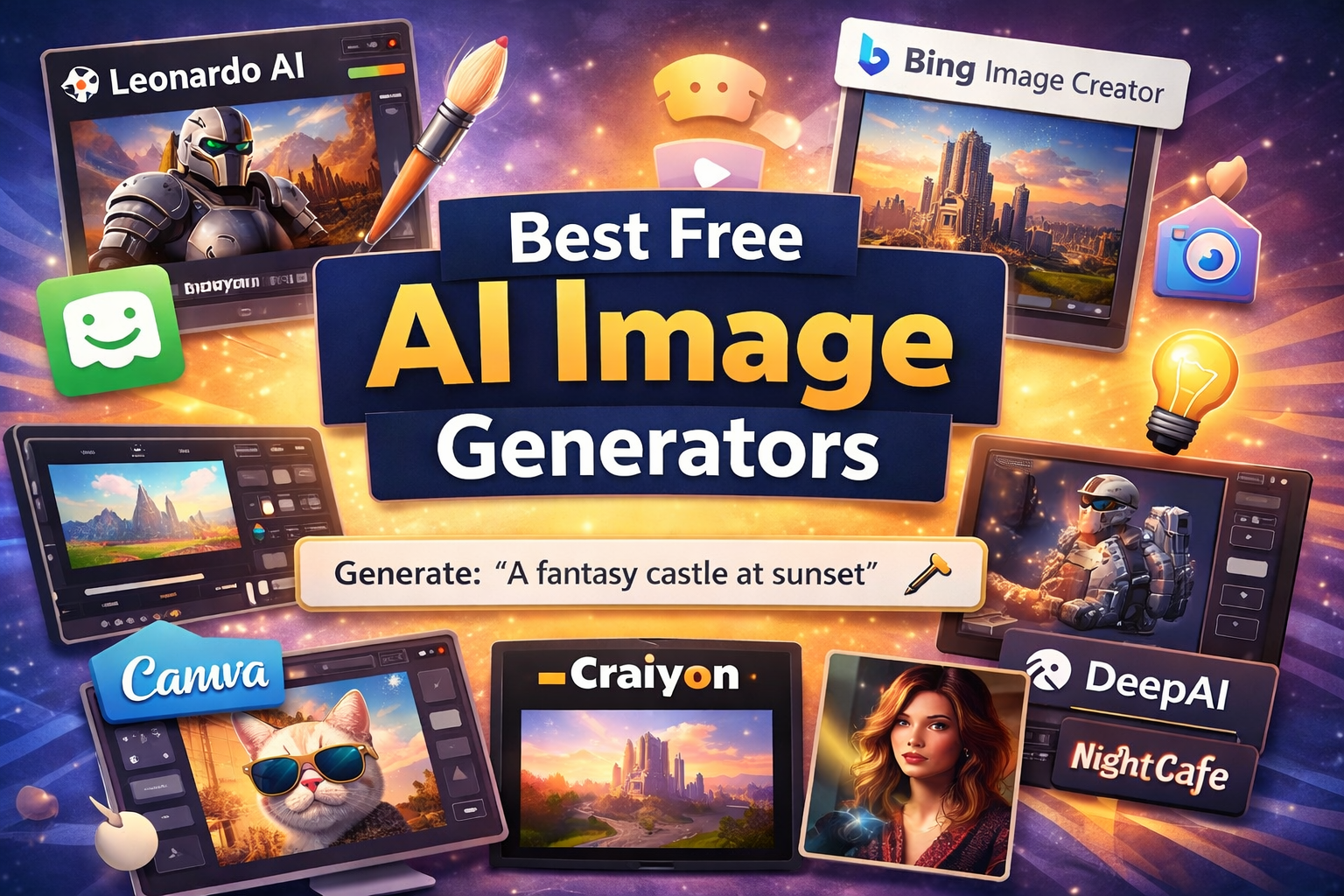
Artificial intelligence has completely changed how we create images online. With AI image generator tools, you can turn simple text prompts into stunning visuals within seconds. These tools are widely used by bloggers, marketers, designers, and content creators.
In this guide, we’ll explore the best free AI image generator tools you can use in 2026 to create high-quality images quickly and easily.
Table of Contents
How to Choose the Best AI Image Generator
Choosing the right AI image generator depends on your needs, whether you are creating images for blog posts, social media, marketing, or design projects. Here are some important factors to consider when selecting the best tool.
1. Image Quality
One of the most important things to consider is the quality of the generated images. Some AI tools produce highly detailed and realistic images, while others create simple or artistic visuals. Tools like Leonardo AI and Bing Image Creator are known for generating high-quality images.
2. Ease of Use
If you are a beginner, choose an AI image generator with a simple interface. Tools like Canva AI and Bing Image Creator are easy to use and allow you to generate images with just a few clicks.
3. Free Plan Availability
Many AI tools offer free versions, but they often come with limitations such as daily image credits or limited features. If you plan to generate images regularly, check how many free images you can create each day.
4. Customization Options
Some AI image generators provide advanced customization features such as style selection, image resolution settings, and editing tools. These features are helpful if you want more control over the final output.
5. Commercial Usage Rights
If you plan to use AI-generated images for blog posts, marketing, or business purposes, make sure the tool allows commercial usage. Always review the platform’s licensing policy before using generated images.
Best Free AI Image Generator Tools
1. Leonardo AI
Leonardo AI is one of the most powerful AI image generation tools available today. It allows users to generate high-quality images using detailed text prompts and offers advanced customization options.
Key Features:
- High-quality image generation
- Multiple art styles
- Free daily tokens
- Fast rendering
Best For: Game assets, creative designs, and illustrations.
2. Playground AI
Playground AI is a beginner-friendly tool that allows users to generate and edit images easily. It supports multiple AI models and provides many customization options.
Key Features:
- Free image generation
- Image editing tools
- Multiple AI models
- Simple interface
Best For: Social media images and creative designs.
3. Bing Image Creator
Bing Image Creator is powered by OpenAI’s DALL-E model and allows users to generate AI images directly from text prompts. It’s one of the easiest tools to use for beginners.
Key Features:
- Powered by DALL-E
- Free to use
- Simple prompt system
- Fast image creation
Best For: Quick AI image generation.
4. Canva AI Image Generator
Canva integrates AI image generation directly inside its design platform, making it perfect for creating marketing visuals and social media graphics.
Key Features:
- Integrated with Canva editor
- Easy drag-and-drop design
- Multiple styles available
- Free plan available
Best For: Social media graphics and marketing designs.
5. Craiyon
Craiyon is a simple AI image generator that quickly converts text prompts into images. It may not create extremely detailed visuals, but it’s useful for quick ideas.
Key Features:
- Completely free
- Simple interface
- Fast generation
Best For: Quick concept images.
6. DeepAI Image Generator
DeepAI provides a basic AI image generation tool that converts text prompts into digital art. It’s easy to use and doesn’t require complicated settings.
Key Features:
- Simple interface
- Quick image generation
- Free version available
Best For: Beginners exploring AI art.
7. NightCafe
NightCafe is a popular AI art generator known for its artistic styles and community features.
Key Features:
- Multiple AI models
- Artistic styles
- Community sharing
- Free credits available
Best For: AI art and creative projects.
FAQ’s
What is an AI image generator?
An AI image generator is a tool that creates images from text descriptions using artificial intelligence. Users simply enter a prompt, and the AI generates a unique image based on that description.
Are AI image generator tools free to use?
Sure, many of AI image generator tools have free plans. Tools like Bing Image Creator, Craiyon, and Playground AI allow users to generate images for free, although some may have daily limits or credit systems.
Which is the best free AI image generator?
Some of the best free AI image generators include Leonardo AI, Bing Image Creator, Canva AI, Playground AI, and NightCafe. These tools offer powerful features and high-quality image generation.
Can AI image generators create images for blog posts?
Yes, AI image generators are commonly used to create visuals for blog posts, social media, marketing materials, and presentations. They help bloggers quickly create unique images without graphic design skills.
Do AI-generated images have copyright issues?
Most AI tools allow users to use generated images for personal or commercial purposes, but it depends on the platform’s licensing policy. It’s always best to check the tool’s terms of use before using images commercially.
Can beginners use AI image generators easily?
Yes, most AI image generator tools are beginner-friendly. Users only need to type a text prompt, and the AI automatically creates the image within seconds.
How do AI image generators work?
AI image generators use machine learning models trained on millions of images and text descriptions. When a user enters a prompt, the AI analyzes it and generates an image that matches the description.
Conclusion
AI image generator tools make it incredibly easy to create visuals without graphic design skills. Whether you need images for blog posts, social media, or marketing, these tools can help you generate stunning visuals within seconds.
If you’re just starting, tools like Bing Image Creator and Canva AI are great beginner-friendly options.